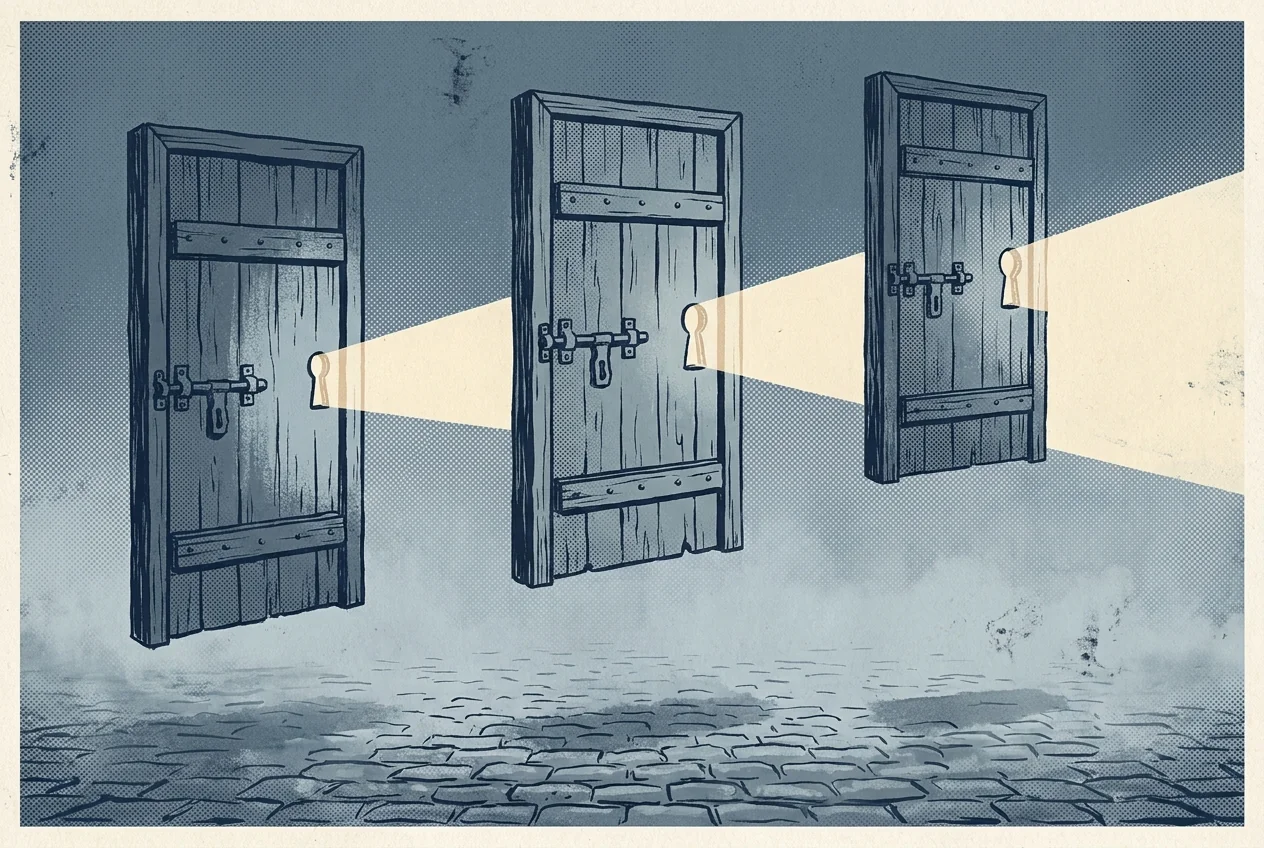
The three-hop idea in plain English
Tor stands for The Onion Router, but the onion metaphor throws people off. The simpler picture is a chain of three doors. When you open a web page over Tor, your traffic is wrapped in three layers of encryption and bounced through three different volunteer-run computers before it reaches the site. Each door only sees one thing: the door before it and the door after it.
The first door knows who you are but not where you are going. The middle door does not know either end. The last door knows where you are going but not who you are. Because no single door sees both, no single door can link you to what you did. That is the whole trick. Everything else — hidden services, bridges, pluggable transports — is a variation on this same idea.
Who actually uses Tor
The popular story of Tor is that it is a tool for criminals. The actual traffic tells a different story. Independent research consistently finds that most Tor traffic is ordinary web browsing by people who want privacy — including journalists checking sources, abuse survivors researching help, employees whistleblowing to legal reporters, and citizens of censored countries reading news that their government has blocked.
Tor was originally funded by the US Naval Research Laboratory, and today large portions of its funding still come from public sources including the Open Technology Fund. That mix — public funding, an independent nonprofit, and a global volunteer network — is what keeps the project independent of any one government or company.
What Tor cannot do
Tor hides where you are on the network. It does not hide who you tell people you are. If you log into a real-name account over Tor, the site knows exactly who you are and, worse, might correlate your login with everything else on that account. The same goes for filling out forms with your address, uploading a file with your name on it, or turning off the browser's anti-tracking settings.
- Do not log into personal accounts you also use without Tor.
- Do not turn off Tor Browser's default settings unless you know what they do.
- Do not open documents you downloaded through Tor while online — they can phone home to servers that see your real IP.
- Do not run browser plugins in Tor. Most break its protections.
Tor also does not hide the fact that you are using Tor. Your internet provider can usually see the connection to the Tor network. What it cannot see is what you did once you were inside. If a plain VPN would fit your needs better, our comparison of VPN, Tor, and Psiphon lays out the trade-offs side by side.
Bridges and blocked countries
In countries that try to block Tor — China and Iran being the well-known examples — the "guard" list of front-door computers is public, and the government simply blocks it. Tor's answer is bridges: unlisted entry computers that people request one at a time. On top of bridges, Tor uses pluggable transports, which wrap Tor traffic to look like ordinary encrypted web traffic instead of anything obviously Tor-shaped.
Snowflake is one of the well-known transports. It uses volunteer browser tabs around the world as one-time entry points. When you leave a Snowflake tab open, someone in a censored country can pass their traffic through your computer for a few minutes. This is the community side of Tor that is easy to miss.
Using Tor without breaking your own privacy
The most common Tor mistake is to reach for a normal browser with a Tor extension bolted on. That is not how the tool is designed. Download the actual Tor Browser from the official Tor Project site, do not change its default settings, and use it in a separate mental "identity" from the rest of your online life. If your threat model is serious, pair Tor with an encrypted messenger like Signal and think through the whole chain of tools you rely on, not just the last hop. That is what safe use of Tor looks like in practice.