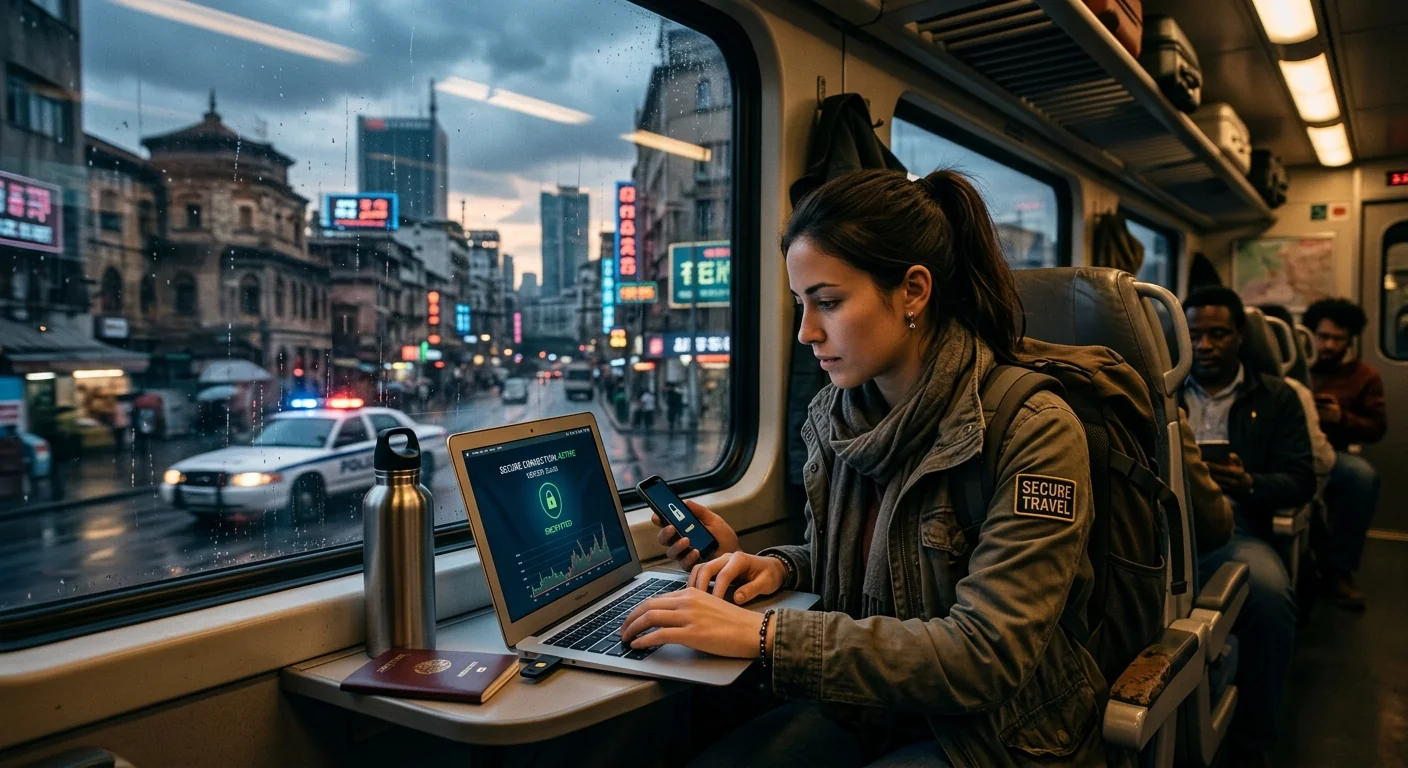
Many activists and journalists learn the hard way that the moment their plane touches down in a heavily surveilled country, the digital rules change completely. The apps that worked yesterday may be blocked. The messaging platform your source relies on could be throttled into uselessness. And the border agent asking you to unlock your phone is a real scenario, not a hypothetical. Preparing before you leave is not optional. It is the whole game.
Your Pre-Travel Security Checklist
- Install and test your VPN at home before departure, not at the airport gate.
- Download Tor Browser and configure obfs4 bridges in case standard Tor is blocked.
- Set up both Signal and Briar as messaging fallbacks for different threat scenarios.
- Encrypt your devices, minimize stored data, and disable biometric unlocking before any border crossing.
- Choose an international data plan that won't cut out at the worst possible moment.
What You're Up Against Before You Even Land
Countries with heavy internet filtering use several layers of control simultaneously. Deep packet inspection lets state-level internet providers examine your traffic in real time and block specific protocols. DNS hijacking redirects requests for blocked sites to error pages or government landing pages. And some governments throttle VPN traffic until it's too slow to be useful, without technically blocking it outright.
Freedom House documents these tactics rigorously every year, and their annual internet freedom assessments make clear that censorship infrastructure is growing more sophisticated, not less. Countries once known for light filtering have added new blocking layers. What worked for a colleague two years ago may not work for you today.
The practical lesson is this: assume the worst-case technical environment and plan around it. Assume your primary VPN will fail. Assume at least one messaging app will be blocked. Have backups. Have backups for the backups.
Loading Your Circumvention Tools Before You Fly
Every tool you need must be installed and tested before you board. App stores in censored countries often remove circumvention tools entirely. If your VPN app needs an update, it may not be able to reach the update server once you land. Configuration files downloaded in advance work even when app stores don't.
Here is a numbered setup sequence that covers the most critical tools:
- Choose a VPN with obfuscation support. Standard VPN protocols are easy to detect and block. Look for configurations that support Shadowsocks, obfs4, or WireGuard obfuscation, which disguise VPN traffic as ordinary web browsing. Test the connection from home on mobile data rather than Wi-Fi, since mobile networks often behave differently than home broadband.
- Download Tor Browser and request bridges. Tor can be blocked at the relay level in countries that maintain lists of known Tor IP addresses. The Tor Project provides "bridges," which are unlisted relays that are harder to detect and block. Request a set of obfs4 bridges from bridges.torproject.org before you travel, and save them offline in a plain text file or print them on paper.
- Set up a secondary VPN configuration. Many VPN apps let you import manual configuration files. Keeping a backup configuration that uses a different protocol, for instance switching from OpenVPN to WireGuard, can restore access if one method gets blocked.
- Download all pending app updates at home. Update Signal, Briar, your VPN app, and Tor Browser while you still have full access. Cached updates won't need to reach blocked update servers later.
- Store emergency contacts offline. Save your editor's number, your organization's emergency line, and key source contact methods in a format that doesn't require internet to access, like a plain text file or an encrypted note stored locally on the device.
The EFF's Surveillance Self-Defense project offers detailed, threat-aware digital security guidance that walks through these decisions in far greater depth, including how to assess your personal threat model before committing to any one tool combination.
Encrypted Messaging That Holds Up Under Pressure
Signal is the gold standard for encrypted messaging. Its protocol is open-source, independently audited, and used as the foundation for encrypted features in several other major apps. But Signal requires an active internet connection and a phone number, both of which can create vulnerabilities in certain contexts.
Briar fills a different role entirely. It's designed for high-censorship and even fully offline environments. Briar can sync messages over Bluetooth or local Wi-Fi when internet is unavailable, making it useful during connectivity blackouts or government-ordered shutdowns. The tradeoff is that Briar requires both parties to have it installed and paired in advance. You cannot use it to reach a new contact on the fly.
Understanding when to use which app depends on your specific scenario and contact. The table below compares the most commonly recommended tools for travel to censored environments:
Messaging Apps for High-Censorship and Surveillance Environments
| App | Works Without Internet | Metadata Protection | Best Fit |
|---|---|---|---|
| Signal | No | Partial (sealed sender) | General secure messaging with established contacts |
| Briar | Yes (Bluetooth/local Wi-Fi) | Strong (Tor-routed when online) | Blackouts and offline messaging with pre-paired contacts |
| Session | No | Strong (no phone number required) | Reaching new or anonymous contacts without linking to your number |
| Wire | No | Moderate | Small teams needing end-to-end encrypted group calls |
The practical advice is to install at least two of these before traveling, test each with a trusted contact, and agree on a fallback order in advance. If Signal becomes unreachable, both parties need to already know to switch to Briar. You won't have the time or connectivity to explain a new protocol mid-crisis.
Device Hygiene at the Border Is Its Own Discipline
Border crossings in high-surveillance countries present a threat that no VPN can address: physical access to your device. In some jurisdictions, agents have the legal authority to demand device access as a condition of entry. Even in cases where you can legally decline, a detained device can be imaged and returned to you hours later with no indication of what was copied.
The standard advice from professional security trainers is to travel with a dedicated travel device. This is a secondary phone or laptop, clean of sensitive data, containing only what you need while in-country. Your normal phone and laptop stay home. The travel device should have full-disk encryption enabled and a strong numerical PIN rather than a biometric lock. A fingerprint or face scan can be compelled far more easily than a six-digit PIN.
If a separate travel device is not realistic, the minimum steps are to back up your primary device, do a factory reset before travel, and restore only what you need for the trip. Sign out of all cloud accounts, including Google, iCloud, and cloud storage, before crossing any border. An agent with device access can reach far more than what's physically stored on the phone if cloud sync is still active.
One step people consistently overlook is browser history and cached data. Clear your browser's stored passwords, autofill data, and site history before crossing. Apps that store authentication tokens locally, like email clients or Slack, should be signed out as well. A clean device before the border is worth far more than any reactive measure after an inspection.
Your Data Connection Is Quietly Part of Your Security Plan
All of this preparation rests on one assumption: that you have a working internet connection when you need it. Circumvention tools fail silently when there's no data to route through them. A VPN with no signal is dead software.
Roaming restrictions are a real operational problem that rarely gets discussed in security guides. Many carrier plans throttle or cut off data after a certain usage threshold, sometimes at exactly the moments when reporters and activists are most active, during protests, breaking stories, or late-night dispatches. Some plans silently disable roaming in specific countries without warning the customer in advance.
Choosing a plan with unlimited travel data addresses a specific vulnerability in the security chain. When data cuts out mid-session, the natural instinct is to reconnect as fast as possible, which often means disabling protections temporarily or accepting any available network. That gap, even a short one, is where exposure happens. A plan that stays consistent through heavy use removes that pressure point.
Locally purchased SIM cards are a separate option and carry their own tradeoffs. A local SIM can be cheaper and may work on networks not accessible to international roaming plans. But purchasing a SIM abroad typically requires registration with a national ID, which creates a traceable data point tied to your real identity. Whether anonymous connectivity or consistently reliable connectivity matters more for your specific trip depends on your role, your sources, and the country. That decision belongs in your threat model, not as an afterthought at the airport.
Arriving Home With Your Sources and Your Data Still Protected
Security in censored environments is less about any single tool and more about layered, tested preparation. No VPN is bulletproof. No messaging app is perfect in every scenario. The strength of your communications security comes from having fallbacks planned before departure, devices cleaned and encrypted, connections stable enough not to force a risky shortcut, and contacts already briefed on your protocol before anything goes wrong.
The journalists and NGO workers who move through high-surveillance environments without incident share one consistent trait. They treat security preparation the same way pilots treat pre-flight checklists, not because disaster is likely, but because when something does go wrong, there is no time to start troubleshooting from scratch.
Start with the tools and steps in this guide. Test everything at home. Brief your contacts. Pick a data plan that won't fail under real-world pressure. And stay aware that the environment you land in may differ from what any guide describes, because censorship infrastructure changes, new blocking methods appear, and no article fully substitutes for adaptability on the ground.